
TL;DR
- Keep only revenue-driving fields: lifecycle stage, persona, use case, next step, champion, risk, and source-of-truth IDs.
- Use a field ROI method to prune unused fields and replace them with automation.
- Reduce data entry friction to improve adoption and data quality.
- Map fields to concrete workflows and track impact with dashboards.
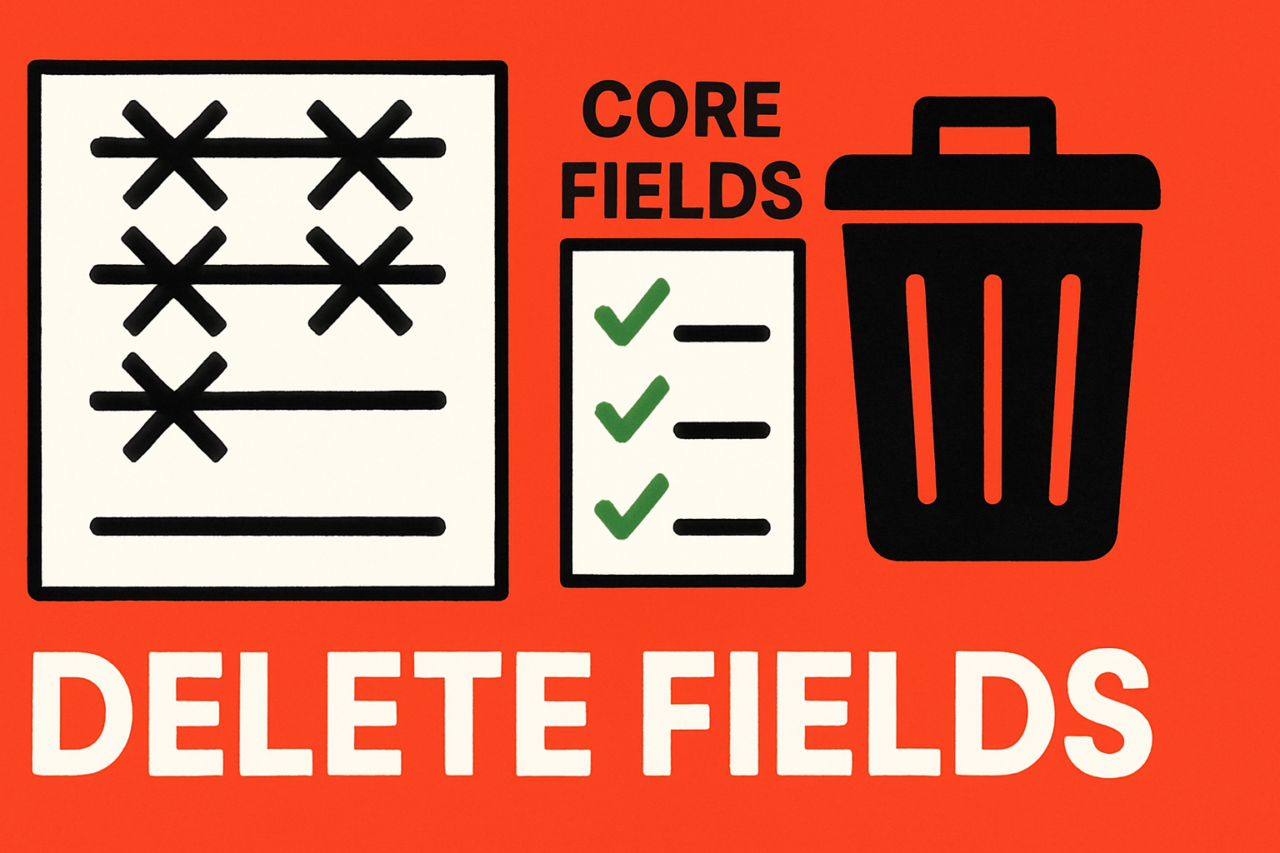
- Use a practical example and a visual aid to guide cleanup.
In the world of CRM, the goal is not to collect every data point but to capture what actually drives revenue decisions. This is the core idea behind CRM Data Model Cleanup: The Fields That Matter (and the Ones to Kill). By simplifying the data model around core decision points, you boost data quality, adoption, and the speed of insight. This guide explains which fields matter, why they matter, and how to prune the rest using a field ROI method that favors automation where appropriate.
What is CRM Data Model Cleanup and why it matters
CRM data model cleanup is the disciplined process of trimming the CRM schema so only fields that influence revenue outcomes remain. The problem with sprawling data models is not just size—it’s noise. When teams encounter dozens of fields at every touchpoint, they stop filling them accurately. The data becomes inconsistent, dashboards skew, and adoption drops. The fix is to align the data model with the decisions that move deals forward.
Think of the CRM as a decision engine. Each field should map to a concrete decision point: the lifecycle stage that triggers a next action, the persona guiding messaging, the use case that defines data needs, the next step in the journey, a champion who can advance the deal, a risk marker to flag urgency, and the source-of-truth IDs that ensure data integrity across systems. When fields don’t clearly support these decisions, they belong in the repository of “nice to have” rather than “need to have.”
For context, you can learn more about related topics at data quality guides and lead lifecycle stages. The broader point is governance: align fields with workflows and ensure data is trustworthy where it matters most.
Core fields that drive revenue decisions
The cleanup effort focuses on a compact, decision-centric core. Each field below is chosen because it directly affects how you move a prospect toward close or renew a customer. Where possible, these fields should be populated by automation or by established processes to reduce manual entry.
Lifecycle stage
The lifecycle stage is the single most actionable field. It determines who receives what content, which owner is responsible, and which stage-appropriate playbooks run. A clean lifecycle mapping reduces handoffs and keeps reports aligned with funnel reality. If you can’t tie a field to a stage-driven workflow, reconsider its necessity. Automation playbooks should fill or update this field automatically when actions occur.
Persona
Persona guides messaging, product fit, and content selection. Rather than dozens of job titles or random descriptors, model a handful of well-defined personas with clear characteristics and signals. This keeps segmentation consistent and reduces the need for ad-hoc notes. If a field frequently contains inconsistent values, replace it with a controlled taxonomy and auto-suggest rules.
Use case
The use case field links a contact or account to a specific problem or opportunity. It helps revenue teams tailor outreach and prioritize resources. When multiple use cases exist for a single record, use a multi-value mapping approach only if you can sustain clean aggregation; otherwise consolidate to the most critical use case per record and automate the rest.
Next step
Next step signals what should happen next in the sales or renewal process. It’s a tactical trigger for cadences, emails, and meetings. A precise next-step value reduces ambiguity and speeds decision-making. If this field is stale or rarely acted upon, replace it with automated next-step recommendations based on lifecycle stage and recent activity.
Champion
A champion flag identifies the executive or primary advocate within a company. This field is invaluable for executive sponsorship and renewal planning. Keep it simple: a single owner or advocate field with a clear owner rule. If the champion field goes unused, consider deriving it from team ownership or account hierarchy instead of manual entry.
Risk
Risk markers surface urgency and forecast potential loss. This field should be concrete—e.g., probability bands or a color-coded risk score—and tied to a scoring model that informs prioritization. If risk data is inconsistent across systems, align risk definitions and feed this field from an automated risk radar.
Source-of-truth IDs
Data integrity hinges on where data originates. Source-of-truth IDs map a record to a canonical source (CRM, marketing automation, ERP, etc.). Keep these IDs clean and synchronized across systems to avoid mismatches that derail analytics. If you notice duplication or mismatches, set up canonical mapping and automated reconciliation jobs.
The Field ROI method: a practical prune-and-automate framework
How do you decide which fields to kill and which to keep? The Field ROI method provides a pragmatic, revenue-focused way to decide. The idea is to measure the value each field contributes versus the cost of maintaining it. When the value is low and the maintenance cost is high, prune the field and replace with automation that delivers the same outcome with less human effort.
Step 1: audit fields against decision points
Create a field inventory and tag each field with the revenue decision it supports. Note who uses it, how often it’s updated, and whether it drives a dashboard or report. Identify fields that never influence decisions or dashboards. These are your candidates for removal or consolidation.
Step 2: assign a field ROI score
For each field, estimate:
- Impact on revenue decisions (high/medium/low)
- Frequency of use (daily/weekly/monthly)
- Maintenance effort (low/medium/high)
Combine these into a simple score and rank fields. Fields with low impact and high maintenance are prime prune candidates. Link this scoring to a concrete action plan, such as elimination or automation.
Step 3: decide kill vs automate
For fields with high maintenance but high impact, explore automation to replace manual upkeep. For fields with low impact, remove. Use automation playbooks to populate critical fields automatically from events, integrations, or business rules. This preserves value while reducing friction for users.
Step 4: implement governance and change control
Changes to the data model require governance. Create a cross-functional review board, establish a release schedule, and communicate changes to stakeholders. Use a phased rollout with data validation checks to ensure the cleanup does not disrupt ongoing sales activities.
Step 5: measure impact with dashboards
Track adoption, data quality, and timing of decisions post-cleanup. Build dashboards that show field usage, field ROI scores, and the correlation between field changes and revenue metrics. This closes the loop and demonstrates value to the business.
A practical example: cleaning a B2B SaaS CRM
Consider a mid-market B2B SaaS company with a CRM that hosts hundreds of fields per account. The field ROI audit reveals that lifecycle stage, persona, use case, next step, champion, risk, and source-of-truth IDs clearly drive the sales cycle. Dozens of secondary fields lived as “nice to have” data—such as lengthy product interest tags, secondary market segments, and multiple custom field variants. These extra fields added little decision value and created noisy forms, causing low completion rates.
Cleanup plan taken in three phases:
- Eliminate or consolidate unused fields while preserving the ability to recover if needed.
- Automate population of high-value fields. For example, when a contact’s lifecycle stage changes, an automation rule updates next steps and prioritizes the opportunity owner.
- Introduce a single source of truth for account IDs and ensure cross-system mappings update automatically every night.
After the cleanup, the team saw higher form completion, more consistent dashboards, and faster deal movements. The field ROI method justified the changes, and automation filled gaps, reducing manual data entry by a meaningful margin. This is a practical example of how CRM data model optimization yields measurable gains in data quality and revenue velocity.
Visualization: what a clean data model looks like
Think about a simplified data model diagram or a heatmap showing field ROI scores. A clean model features a small core schema centered on lifecycle stage, persona, use case, next step, champion, risk, and source-of-truth IDs, with automated data pipelines handling the rest. A visual can be a one-page diagram that maps each field to its decision point and its ownership. Visuals help executives understand the scope and impact of the cleanup and serve as a blueprint for future data governance.
If you’re building this visualization, consider a chart with rows representing fields and columns for: decision impact, maintenance cost, automation potential, and last updated. The color scale highlights high ROI fields and low ROI candidates for removal.
Implementation tips and best practices
To make the CRM data model cleanup durable, adopt these practical practices:
- Limit the core field set to seven to nine fields that directly influence revenue decisions.
- Automate data population wherever possible to keep data current and consistent.
- Document the rationale for each field in a central data dictionary linked to business processes.
- Establish a quarterly review cadence to re-evaluate field value and maintenance cost.
- Promote data hygiene through onboarding and ongoing user education, tying training to adoption metrics.
For ongoing reading, check out data governance best practices and CRM data model optimization resources for deeper dives into structure and governance.
Internal links and opportunities for automation
Linking related content helps readers explore more while reinforcing SEO topics. Consider internal posts on the following topics:
Automation plays a key role here. Use Field ROI method as a framework to justify removal and direct automation investments. This aligns with the broader goals of data governance and data hygiene, ensuring that every field serves a clear business purpose.
Conclusion: take action and measure impact
CRM Data Model Cleanup is not a one-off project. It is a repeatable discipline that aligns data with revenue-driving decisions. By focusing on the fields that matter—lifecycle stage, persona, use case, next step, champion, risk, and source-of-truth IDs—and applying a Field ROI method, you create a lean model with higher adoption and better data quality. Automation fills the gaps, so humans can focus on strategy rather than data entry.
Ready to start? Map your current fields to the decision points described above, score them, and begin a staged cleanup. Use the internal links provided to align with existing governance and automation playbooks, and build a dashboard to monitor impact. The outcome is a CRM that accelerates revenue decisions rather than slows them down.
Call to action
Take the first step today: conduct a quick field ROI audit and identify at least three low-value fields to remove or consolidate. Pair that with an automation plan for two high-maintenance fields. If you’d like, share your progress in the comments or contact us for a tailored field ROI worksheet to streamline your CRM Data Model Cleanup initiative.