Enablement Content That Reps Actually Use: Build a ‘One-Page’ Library
TL;DR:
- Create a single, searchable hub of assets that reps can find in seconds.
- Include talk tracks, email snippets, objection responses, and discovery questions with clear role tags.
- Embed assets into CRM and sales engagement tools for on-demand access during outreach.
- Use templates and consistent formats to accelerate every stage of the buyer journey.
- Measure adoption and impact to keep the library fresh and valuable.
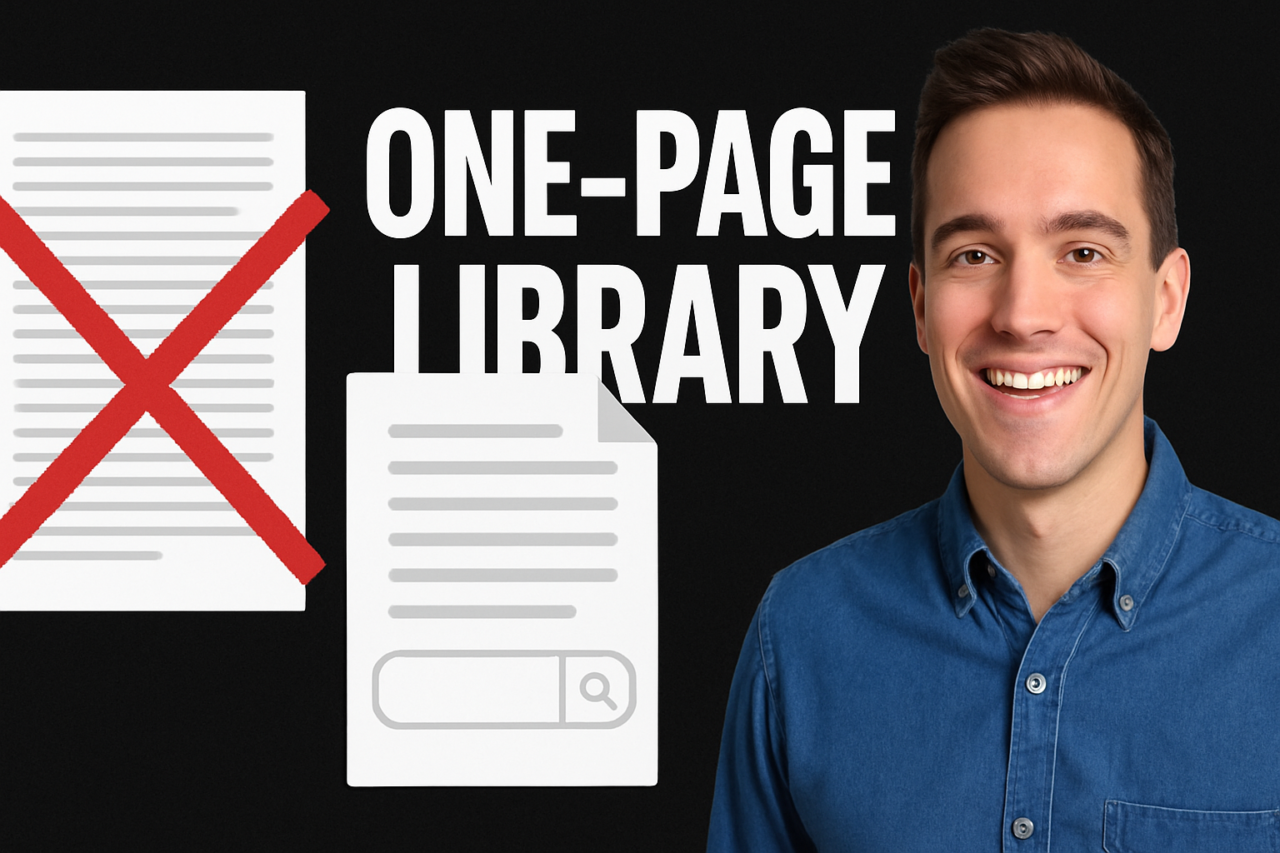
Enablement content often fails when assets are long, buried, or hard to locate. Reps need fast access to the right material at the right moment. The solution is a practical, living library that is compact, searchable, and role-tagged. This article outlines how to build and deploy a one-page library that actually gets used and drives outcomes.
What is Enablement Content That Reps Actually Use: Build a ‘One-Page’ Library
The idea is simple: shrink the asset stack into a single, digestible page for each role or buyer scenario. Each entry combines a concise talking track, a ready-to-send email snippet, a set of objections with proven responses, and targeted discovery questions. When assets are condensed and tagged by role, reps can present consistently and move faster through the funnel. This approach improves recall, increases confidence, and boosts win rates by giving reps a trusted, on-demand toolkit.
The Problem With Long, Hard-To-Find Enablement Assets
Traditional libraries sit on a file server or in a noisy LMS. They require a search that drags on and a structure that assumes perfect memory. Reps waste time scrolling, misplacing assets, or guessing which template fits a given scenario. In practice, long documents breed partial usage or no usage at all. The result is a fragment of enablement that barely moves the needle and a team that learns to rely on ad-hoc notes rather than standardized assets.
Core Components of a One-Page Library
A well-constructed library combines practical elements into a single, scannable page. Each component serves a distinct purpose and is easy to adapt in real time.
- Role-tagged talk tracks: Short scripts aligned to buyer personas and stages of the conversation. Each track includes a clear objective, key value statements, and a closing move.
- Email snippets: Condensed templates for intro emails, follow-ups, and meetings requests. Each snippet includes subject lines, CTAs, and a signature block.
- Objection responses: Ready-to-use lines that reframe concerns and keep the conversation moving. Prioritize the top 5 objections per role.
- Discovery questions: Targeted questions that reveal needs, timelines, decision makers, and budget constraints. Use as a checklist during calls or emails.
- Templates and formats: Consistent layouts for slides, emails, and call notes. Standardization reduces cognitive load and speeds adoption.
- Role tagging and taxonomy: Tags by buyer role, stage, and use case. This ensures fast retrieval and precise matching to the scenario.
- CRM and tool integrations: Links and widgets that place assets directly in the rep’s primary workflow. Think CRM fields, outreach sequences, and meeting apps.
To maximize usability, keep assets visually uniform and document versioning clear. A small, consistent format makes scanning second nature and reduces cognitive friction during live conversations.
How to Design and Implement the One-Page Library
Follow a deliberate, repeatable process. Treat the library as a product that your field teams will adopt, not a static repository.
- Audit current assets: Gather the talk tracks, emails, objections, and questions reps actually use. Note gaps where reps improvise or ask for missing items.
- Define roles and scenarios: Map buyer personas to typical buying stages. Create a library entry for each combination of role and stage.
- Create a standardized template: Use a single page format for each entry with four sections: track, snippet, objections, discovery questions. Include a short objective at the top.
- Tag assets: Apply role, stage, and use-case tags. Ensure tags are consistent across all entries to enable precise search.
- Build a compact, searchable page: Assemble entries into a single page with a clean search bar and quick filters by role or stage. Include a prominent favoriting or pinning option for high-ROI assets.
- Embed into CRM and engagement tools: Create direct links to the assets inside the CRM and in outreach sequences. Enable in-context access during calls and emails.
- Governance and updates: Assign a small team to keep entries current. Schedule quarterly refresh cycles and a simple feedback loop from reps.
- Launch and train: Run a short, hands-on session showing how to locate and use each entry. Emphasize speed and accuracy over long discovery.
Practical tip: start with 4–6 core entries per role and expand gradually. This keeps initial adoption low-friction while providing immediate value. As usage data accumulate, retire underperforming entries and refine the rest.
Practical Example: A Rep Uses the One-Page Library in Real Time
A field representative enters a discovery call with a mid-market prospect in the operations space. The library entry for this role and stage includes a short talk track that opens with a problem statement, a tailored email snippet in case the prospect asks to defer, an objection response for budget concerns, and five discovery questions to surface needs.
During the conversation, the rep uses the talk track to frame the value in concrete terms: a cost reduction opportunity tied to a quantifiable metric the buyer cares about. When the buyer asks for documentation, the rep drops the email snippet that invites a calendar invite for a deeper discussion. If the buyer raises price concerns, the rep cites the objection response and reframes the conversation toward ROI and total cost of ownership. The discovery questions reveal a priority timeline and a sponsor, enabling a faster, more targeted follow-up.
In this scenario, the rep saved minutes, avoided nonessential chatter, and delivered a consistent message. The one-page library acts as a real-time coach, not a memory aid tucked in a folder.
Visuals and Tools: How to Present the Library
Consider a simple visual to accompany the library. A taxonomy infographic can show asset types on one axis (talk tracks, emails, objections, questions) and roles on the other axis. Another useful visual is a flowchart that maps a typical buyer journey to the exact entry a rep should pull next. The purpose of these visuals is to make the library’s structure instantly visible at a glance, reducing search time and cognitive load during calls.
Internal links can guide readers to related resources, such as enablement metrics for adoption tracking or best practices for sales content that align with the one-page approach. These references deepen understanding and establish a connected enablement ecosystem.
Adoption, Measurement, and Continuous Improvement
Adoption hinges on visibility, ease of use, and demonstrable value. Track usage metrics like asset retrieval time, click-through rates on snippets, and win-rate changes by role. Solicit quick feedback after calls to learn which entries accelerate the close and which entries need refinement. Use a lightweight governance process to retire stale items and add new ones tied to evolving buyer needs.
Key metrics to watch include time-to-first-asset retrieval, sequence completion rate, and the correlation between library usage and deal velocity. When adoption climbs, you know the library is becoming part of daily practice rather than a one-off training exercise.
Templates and Quick Start Examples
The following templates illustrate the structure of core entries. Adapt placeholders to your product, market, and buyer personas.
- Talk Track Template: Objective, 2–4 benefit statements tied to buyer pain points, 1 closing move, 1 follow-up action.
- Email Snippet Template: Subject line, 1–2 sentences of context, 1 clear CTA, signature with calendar link.
- Objection Response Template: Objection, reframing statement, evidence-based benefit, ask a clarifying question.
- Discovery Question Template: Role-appropriate prompts, timeline, decision-maker, budget signals, next-step questions.
For example, a Talk Track Template for a procurement-focused buyer might begin with a concise problem statement, followed by a tacit comparison to a known pain point, then a measurable outcome and a next-step invitation. The Email Snippet would mirror that structure in short form, enabling rapid outbound or follow-up.
Embedding Assets Into CRM and Sales Engagement Tools
Embed assets directly into the tools reps use every day. In CRM, create a dedicated tab or panel that surfaces the one-page entries by role and stage. In Outreach or Salesloft, attach the relevant snippet to sequences and meeting requests. The goal is to reduce context switching: when a rep is in a call window, the right asset is a click away, not a search away.
Practical steps include:
- Sync role tags with your CRM contact roles so that assets match the buyer on the other end of the call.
- Set up a quick-filter UI in the library for common scenarios (pricing talks, ROI conversations, late-stage objections).
- Maintain versioned templates and automatically surface the most recent iteration in CRM and sequences.
- Use analytics to surface which assets drive engagement and which need revising.
By weaving the library into the workflow, you convert a resource into a reliable performance driver rather than a passive reference.
Practical Next Steps: A Quick Deployment Plan
Ready to start? Here is a concise plan that can be executed in weeks, not months.
- Gather 4–6 core entries per role and stage. Keep each entry under one page.
- Tag assets consistently and ensure the search index covers all tags users will query.
- Build a single-page library page with a search bar and role-based filters. Keep navigation intuitive.
- Connect assets to CRM and engagement tools. Create templates and links that open directly from the workflow.
- Launch a 30-minute training session and collect feedback. Schedule a quarterly refresh.
Conclusion: The Path to Reps Using Enablement Content That Actually Works
A well-designed one-page library aligns enablement assets with real rep needs. It reduces search friction, standardizes messaging, and speeds response times. By tagging assets by role, embedding them in daily tools, and maintaining a simple, repeatable template system, you create a living resource that reps reach for—every day. The result is faster sales motions, better buyer engagement, and a measurable uplift in enablement ROI.
Call to action: Start by auditing your current assets and picking 4–6 core entries per role. Build a first version of the one-page library this quarter, then test a live integration into your CRM and outreach tools. You will see how a concise, searchable library can transform how your reps sell.