
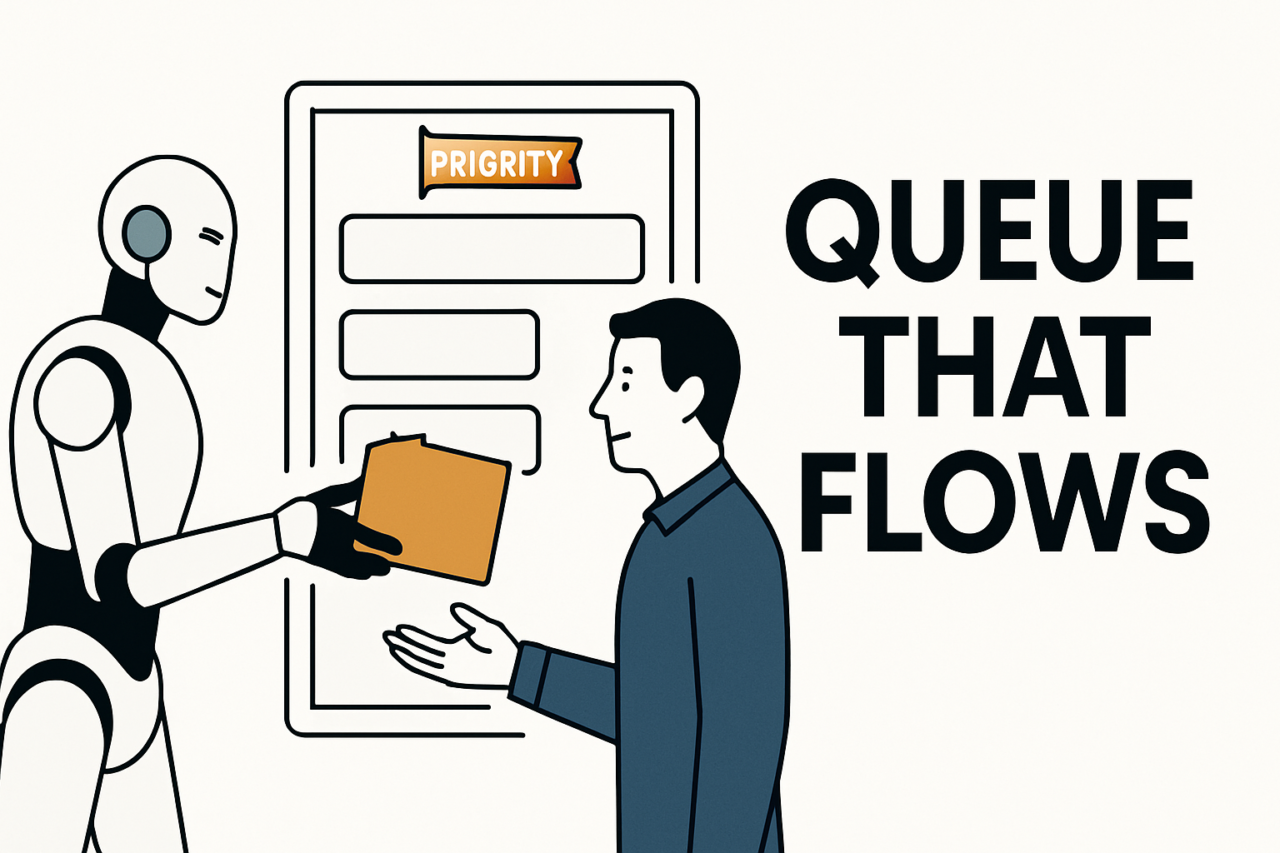
- TL;DR: Build work queues with clear ownership, explicit priority, and rich context to speed review.
- Automate routine routing, but keep humans where judgment or nuance matters.
- Use consistent SLAs, transparent status, and actionable feedback to continuously improve flow.
- Apply proven patterns to lead review, content approval, and exception handling queues for faster outcomes.
In modern operations, success hinges on a balanced partnership between automation and human review. The goal is not to replace humans but to place the right items in front of the right people at the right time. When queues are designed to flow, work moves smoothly from intake to resolution, with context preserved at every handoff. This article explores how to design work queues that flow, with practical examples you can adapt today.
What makes a queue flow in practice?
A well designed queue provides three core attributes: ownership, priority, and context. Ownership answers the question: who is responsible for the item at each stage? Priority determines the order in which items are tackled, ensuring critical items receive attention first. Context embeds the data and rationale needed to make a decision without forcing rework or backtracking. When these elements are explicit, humans review only what matters and automation handles the rest.
To achieve flow, you also need clear escalation paths and feedback. If a decision exceeds a defined threshold, the item should be routed to a higher tier or a specialist. If a bot detects an anomaly, it should attach a justification and pass the item along with actionable next steps. This minimizes idle time and reduces repeat contacts with the same issue.
Core design principles for automation-enabled queues
Ownership that travels with the item
Assign a primary owner for each stage of the queue. The owner is accountable for the item’s status, accepts responsibility for decisions, and coordinates handoffs. Ownership should be explicit in the workflow rules and visible in the queue UI. When ownership changes, the new owner receives a summary of context and required actions.
Prioritization rules that reflect business impact
Define objective criteria for prioritization, such as risk level, SLA impact, and customer value. Use consistent scoring to order items and surface critical items first. Avoid ad hoc rewrites; instead, publish the scoring model so the team understands why items move up or down the queue.
Context that travels with the task
Attach necessary data at intake: source, timestamps, related records, and decision criteria. Context should travel with the item as it moves between automation and humans. This reduces back-and-forth clarifications and speeds up review. When data is missing, the system should prompt for it rather than forcing a follow-up conversation.
Clear SLAs and visibility
Set measurable service level agreements for each queue stage. Track time-to-acknowledge, time-to-decision, and time-to-resolve. Make dashboards accessible to the team so everyone can see queue health at a glance. Transparency drives accountability and helps identify bottlenecks early.
Feedback loops and continuous improvement
Incorporate feedback from reviewers into queue rules. When a pattern emerges—such as recurring data gaps or misrouted items—update routing, enrichment requirements, or decision criteria. Treat each queue as a living system that evolves with the business.
Queue patterns with real-world examples
Lead review queue: routing by fit and urgency
In sales and marketing, a lead review queue sorts inbound inquiries to the right team quickly. Each lead carries a score, suggested owner, and required enrichment fields. The queue routes high-priority leads to senior SDRs and lower-priority ones to junior teammates, while automatic enrichment pulls essential data from CRM and public sources. Related workflow pages include a lead review queue example and best practices for scoring and routing.
Key tips: define a minimum data set for auto-routing, use a default owner for new leads, and automatically reassign or escalate if a response isn’t logged within the SLA window. These steps prevent stagnation and support faster qualification.
Content approval queue: quality and speed gates
Content teams use a multi-stage approval queue to publish posts, videos, or product updates. The queue begins with the author’s draft, moves to a content editor, then to a policy or brand-approval step, and finally to publication. Each step adds context, such as copyright checks, style guidelines, and regulatory compliance notes. You can see a practical model in a content approval queue example.
Practical approach: enforce a clear pass/fail decision at each stage and provide inline comments so reviewers understand the rationale. If a piece fails at one stage, the system should surface specific recommendations and re-route it to the proper owner without starting from scratch.
Exception handling queue: triage and learning
Automations inevitably encounter exceptions. Design an exception handling queue that captures alerts, classifies errors, and assigns owners for root-cause analysis. The queue should categorize exceptions by severity, attach relevant logs and context, and route to the right specialist. For readers implementing this pattern, explore a dedicated exception handling queue workflow and guidelines for post-mortem learning.
Tip: automatically generate a concise incident summary and a suggested remediation path to accelerate triage, while feeding the learning loop back into automation rules.
Design patterns that keep the flow steady
Think of a queue as a pipeline, not a single inbox. Use routing rules to move items forward when conditions are met, and pause items when data is missing. Employ status codes and lightweight dashboards to show where each item stands. A well designed queue also supports batch processing for non-urgent tasks and real-time routing for time-sensitive work.
Another pattern is decoupling decision from action. Let automation perform data gathering and enrichment, while humans make the final call. This keeps the heavy lifting out of human workloads and reduces cognitive load at the point of review. When you combine automation with human judgment in this way, you unlock higher throughput without sacrificing quality.
Measuring success and continuous improvement
Use a small set of core metrics to gauge queue health. Track volume by queue, average time in stage, and the proportion of items auto-resolved versus escalated. Monitor first-pass yield, rework rate, and feedback quality from reviewers. Regularly review these metrics in team rituals and adjust routing rules or data enrichment to close gaps.
Documentation matters. Publish a concise set of guidelines that explain how items move through each queue, what constitutes a decision point, and how to escalate. When new team members join, they should be able to read the rules and start contributing with minimal friction.
Visualizing the flow: recommended visuals
Consider a few visuals to communicate queue health at a glance. A flow diagram or value stream map shows how items traverse ownership, priority, and context. A stacked bar chart can reveal the breakdown of items by stage and SLA status. A dashboard combining a real-time heat map of bottlenecks with an itemized list of top escalations helps teams act quickly. For teams using these systems, a sample visual approach is described in the accompanying notes and can be adapted to your tooling.
Putting it into practice: actionable steps
Start small with a single queue, such as a lead review queue, and map the end-to-end flow. Define owners, set a priority model, and attach the minimum data required at intake. Implement automation to handle routing and enrichment, while reserving human review for decisions that require judgment or risk assessment. Gradually expand to additional queues like content approvals and exception handling, applying the same design principles.
To sustain momentum, establish a quarterly review cycle for queue performance. Update escalation paths, refresh data requirements, and refine decision criteria. As you iterate, you’ll see faster decisions, fewer reworks, and happier teams.
Conclusion: designing for flow, not friction
Automation and human handoffs should complement each other, not compete. By designing work queues with explicit ownership, clear priority, and preserved context, you unlock faster decisions without sacrificing quality. Use practical patterns and real-world examples—lead review queues, content approval queues, and exception handling queues—as templates for your own operations. Iterate on data quality, routing rules, and SLAs to maintain momentum, and always prioritize the human-in-the-loop where nuance matters most. Ready to start? Map one queue today, set up a simple rule backbone, and invite stakeholders to review the early results.
Visual and practical note
Envision a simple diagram that shows intake → enrichment → decision → escalation → completion, with ownership labels at each stage and a small SLA badge on each item. This kind of visual helps teams align on flow and serves as a quick reference during daily standups.
Internal resources can help you accelerate adoption. See ongoing discussions and best practices in related posts about lead review queues, content approval queues, and exception handling queues. These patterns translate across industries, from marketing to manufacturing, wherever automation and human judgment converge.
In sum, a well designed queue architecture reduces friction, shortens cycle times, and elevates outcomes. It is not a one-off project but an ongoing practice of aligning automation with human insight. Start with clarity, test with small bets, and scale as the organization learns how to flow.