Automation Monitoring: Catch Failures Before Revenue Does
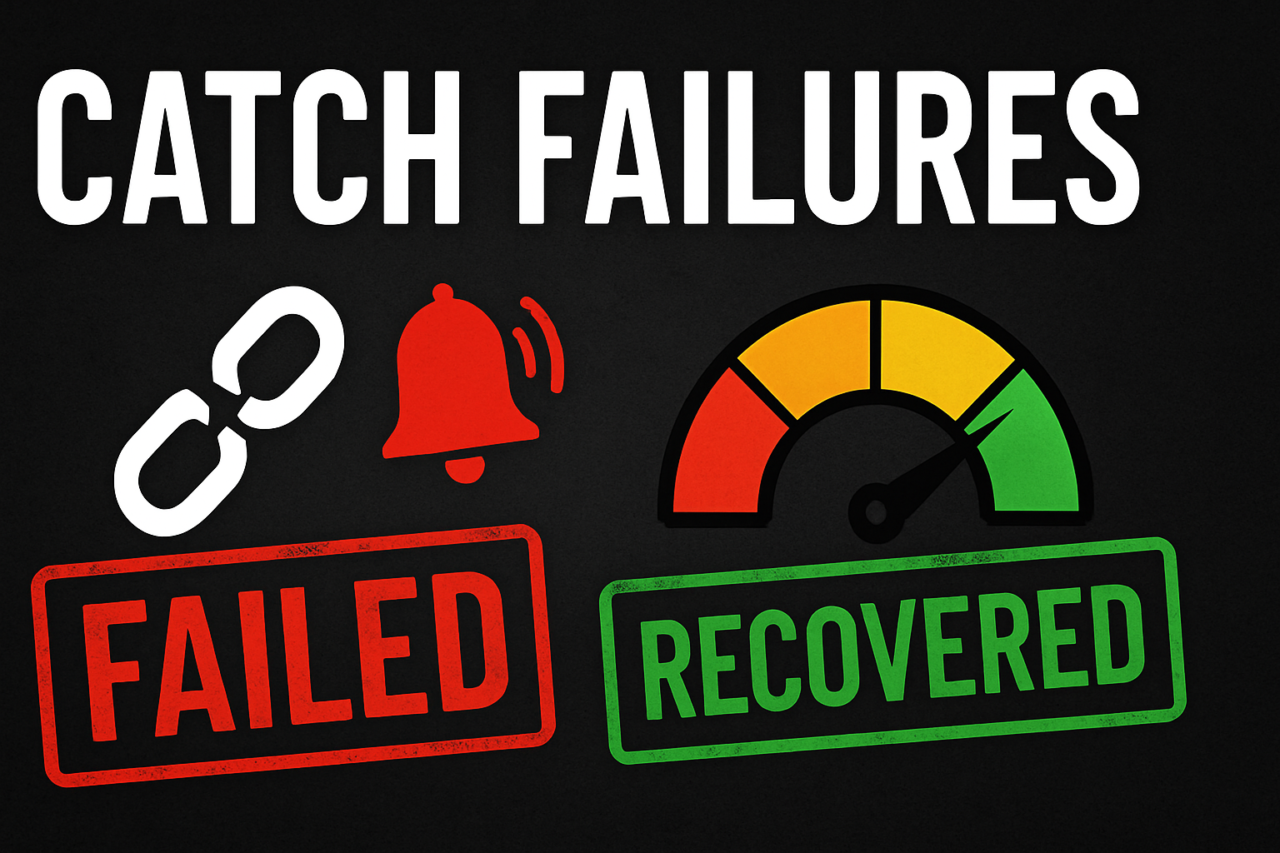
Automation runs in the background, handling repetitive tasks and high-volume processes. When it fails, revenue and customer trust can suffer before anyone notices. Effective automation monitoring turns that risk into a measurable, actionable process. It gives teams visibility into what works, what doesn’t, and why—so you can fix issues before they affect money.
- Silent failures exist. Without telemetry, you can’t see where a workflow stalled.
- Logs, thresholds, audits, and replays build a reliable visibility layer for automation.
- A purpose-built dashboard concentrates risk, not noise, so you act fast.
- Smart alerts trigger only when action is needed, reducing alert fatigue.
- Start with a baseline and iterate as you scale to preserve control over complex processes.
In practice, automation monitoring is not about chasing every micro-failure. It is about ensuring that the right failure signals rise to attention and that recovery remains fast and deterministic. The goal is to shorten the detection-to-repair cycle and protect revenue without overwhelming teams with false alarms. Below, you’ll find practical steps, a dashboard concept, and a starter checklist you can apply today.
What is Automation Monitoring?
Automation Monitoring refers to the systematic collection and analysis of telemetry from automated workflows. It tracks success and failure signals, stores them in accessible logs, and uses rules to raise alerts only when there is an actionable deviation. This approach makes operational observability practical for business processes, not just software systems.
Think of monitoring as a lens that clarifies two things: where a process went wrong and how quickly it can be fixed. The result is a reliable feedback loop that improves process reliability over time. For teams, this means fewer lost orders, less revenue at risk, and more predictable outcomes for customers and partners.
Core Components: Logs, Thresholds, Audits, and Replays
To make automation monitoring actionable, you need four pillars:
- Success/Failure Logs: Each automation step records a minimal, consistent set of fields (timestamps, identifiers, status, and error codes). Logs enable trend analysis and root-cause discovery.
- Alert Thresholds: Define thresholds that reflect business impact. Thresholds should be stable (not triggered by normal variance) and sensitive enough to catch meaningful issues.
- Sample Audits: Periodic checks compare expected outcomes against observed results. Audits help validate that the monitoring signals reflect actual performance.
- Replay Mechanisms: When an issue is detected, you should be able to replay a recent run to validate fixes or to understand the failure path without risking live orders.
These pillars work together to give teams confidence that failures are detected early and diagnosed quickly. In addition, they enable operational telemetry that supports continuous improvement across processes and teams.
Logs: The Backbone of Visibility
Logs should capture the essential data without revealing sensitive information. A good rule of thumb is to log the run ID, step name, status, timestamp, and error code or message for every step. Centralized log storage makes it possible to run cross-workflow analyses, identify recurring failure patterns, and correlate issues with changes in the environment or data.
Tip: use structured logs (JSON) so you can query fields consistently across different tools. This supports faster root-cause analysis and better automation of recovery actions. For more on structured logging patterns, see our logging best practices.
Alert Thresholds That Matter
Alert thresholds should be aligned with business impact. A few practical guidelines:
- True positives over false alarms: prefer slightly higher thresholds that still catch critical issues. Set a grace period to avoid reacting to transient blips.
- Context-aware alerts: include run IDs, user IDs, and a summary of the failure path to speed triage.
- Escalation rules: tier alerts by severity and route them to the right teams (Ops, Engineering, Business Support) only if the issue persists beyond a defined window.
- Anomaly detection: for high-volume processes, use simple statistical methods (e.g., 3-sigma) to flag unusual failure rates, rather than hard-coded thresholds alone.
Well-designed alerts reduce noise. They should tell you what happened, where it happened, and why it matters. When alerts fail to meet these criteria, teams tend to ignore them, which defeats the purpose of monitoring.
Sample Audits and Replay: Verify and Recover
Audits are snapshots that confirm that a process behaved as expected over a defined period. They help you detect drift—when a workflow starts producing different results than anticipated. Implement a lightweight audit pass weekly or after significant changes. A replay mechanism lets you reproduce a failed run in a safe, non-production environment to validate fixes and confirm that a rollback would resolve the issue without side effects.
Practical tip: store a minimal audit trail alongside each run. The trail should include the inputs, expected outputs, and observed outputs. This makes it easier to compare expectations to reality during an investigation.
Monitoring Dashboard Concept: A Clear View of Health and Risks
A monitoring dashboard centers risk and health indicators in a single view. The goal is to surface actionable signals without overwhelming the user. A practical layout includes:
- Health at a glance: a heat map or status grid showing the latest run status for each workflow and key dependent services.
- Top failures: a list of the most frequent failure types, with counts and last-seen timestamps.
- Impact metrics: revenue-at-risk, order drop-offs, or SLA breach counts tied to automation steps.
- Recent activity: a stream of recent runs, timestamps, statuses, and quick drill-down links.
- Audit and replay access: a dedicated panel to launch replays and view audit summaries.

Proposed dashboard: quick health, failure top-list, business impact, and one-click replay.
Internal links can guide readers to deeper sections of your site. For example, a checklist offers a practical starting point, while a replay demo page demonstrates recovery workflows. These links improve navigation and reinforce related content.
Designing Alerts That Fire Only When Action Is Needed
Alert design matters as much as detection. Keep these principles in mind:
- Signal relevance: target only issues that have a measurable business impact.
- Threshold stability: avoid alerts triggered by normal variance or rare edge cases.
- Clear ownership: route alerts to the team responsible for remediation and provide a defined SLA for response.
- Context-rich messages: include run identifiers, affected processes, and suggested next steps.
- Automatic triage where possible: include a run replay link or a one-click remediation path when safe to do so.
By focusing on actionability, you reduce noise and shorten the cycle from detection to resolution. The right alerts empower teams to act decisively without chasing every minor irregularity.
A Practical Example: The Order Processing Pipeline
Consider a commerce platform where an order moves through checkout, payment, inventory update, and fulfillment. Each step emits telemetry. A failure in any step should trigger an alert with a direct path to resolution. Here’s how monitoring helps:
- Checkout failures that repeatedly timeout the purchase request can indicate a third-party gateway issue or latency spike. An audit shows the exact gateway response codes and helps reproduce the issue in a sandbox.
- Payment errors with card declines should surface sooner if they correspond to a surge in payment processor errors. A replay confirms whether the issue is persistent or transient.
- Inventory updates that fail to reflect new stock create downstream fulfillment delays. A recovery script can re-sync inventory and prevent backorders.
- Fulfillment delays often impact customer satisfaction. A dashboard view highlights the bottleneck and suggests a rollback or retry strategy for the affected orders.
In practice, you can pair logs with business metrics to quantify impact. For example, a rise in failed checkout attempts beyond a threshold should be tied to revenue risk. A replay capability confirms whether a fix resolves the root cause or merely patches a symptom.
Getting Started: Quick-Start Checklist
- Inventory your automations: list all workflows, their data inputs, and the expected outputs.
- Implement structured logging: standardize fields for status, identifiers, timestamps, and outcomes.
- Define business-impact thresholds: set thresholds that align with revenue, order volume, or SLA commitments.
- Set up sample audits: schedule periodic checks to verify process correctness against expectations.
- Enable replay in a safe environment: provide a controlled way to reproduce recent runs for troubleshooting.
- Build a dashboard: create a concise view of health, top failures, and business impact with quick drill-downs.
- Establish alert ownership and SLAs: assign responders and deadlines to fix issues promptly.
Start small with a handful of high-risk workflows. As you learn what signals matter, expand the telemetry scope and refine thresholds. This iterative approach keeps monitoring practical and scalable.
Conclusion: Proactive Monitoring Shields Revenue
Automation Monitoring is not a luxury; it is a business discipline. By logging success and failure, setting meaningful alert thresholds, performing regular audits, and enabling safe replays, you gain visibility and control over complex processes. A well-designed dashboard consolidates risk signals, while targeted alerts prevent fatigue and ensure action when it truly matters. With these practices, you can catch failures before revenue does and turn automation from a background helper into a trusted revenue enabler.
Ready to start? Check our starter resources and implement a pilot in the next sprint. If you’d like a guided plan, explore our Automation Monitoring Roadmap and download a sample dashboard template to accelerate your setup.