
TL;DR
- Define the data and access requirements up front to prevent AI project delays.
- Lock in CRM permissions, domain verification, and email sending setup during kickoff.
- Map data exports, tracking, and compliance approvals to your project milestones.
- Use a structured kickoff agenda to manage scope and align stakeholders.
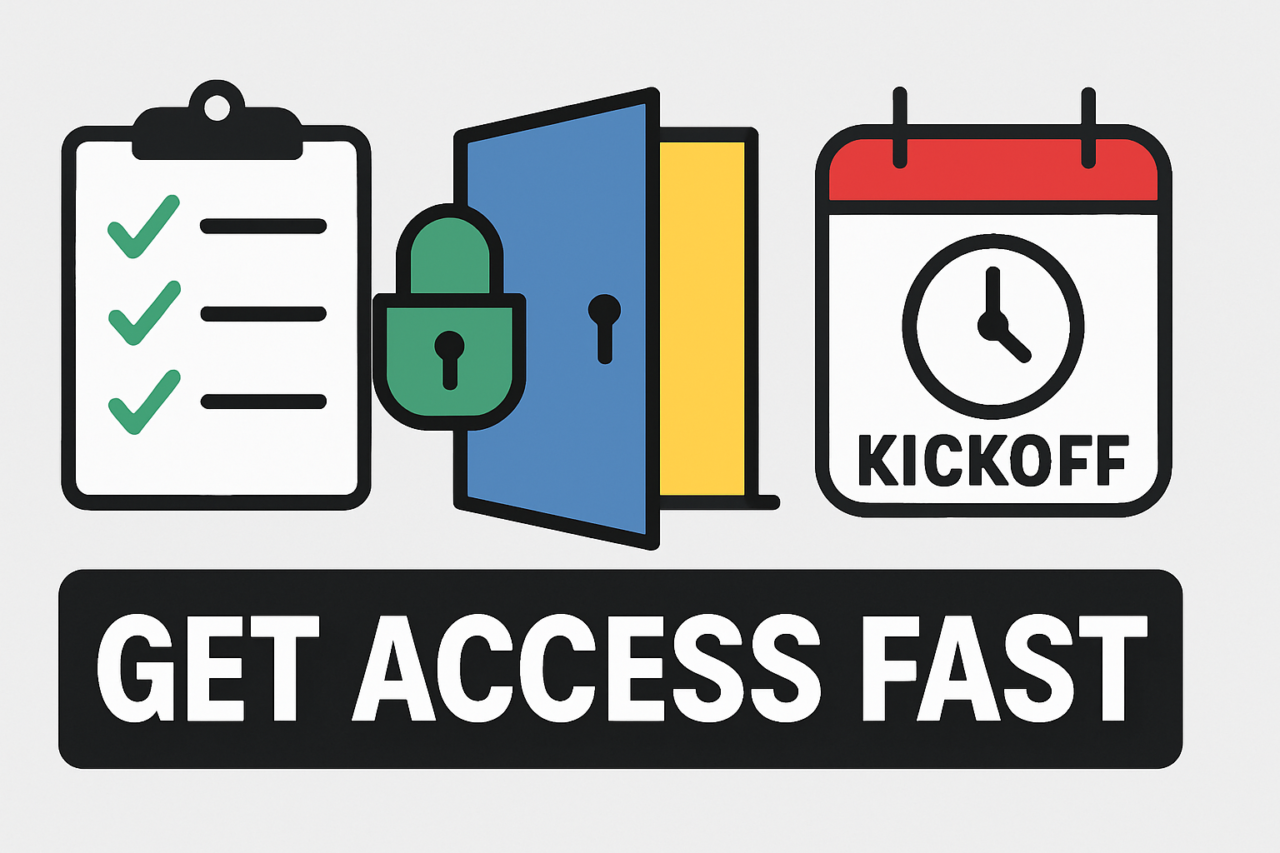
- Pair a clear data-access plan with a practical visual to keep teams moving smoothly.
In AI projects, the biggest bottleneck is rarely the model itself. It is often the slow path to data and access. This article covers Client Onboarding for AI Projects: The Data and Access Checklist and provides a practical guide to secure the essentials before work begins. The goal is to prevent delays, reduce back-and-forth, and ensure teams can move from plan to production quickly and with confidence.
Client Onboarding for AI Projects: The Data and Access Checklist — What It Is
The Data and Access Checklist is a concrete, client-aligned guide that enumerates the information and permissions needed to start an AI engagement. It translates vague requests like “get data” into precise actions, owners, and timelines. By documenting requirements early, you create a reusable playbook for future projects and avoid repeated negotiation cycles.
Two core ideas drive the checklist. First, data access must be trustworthy and governed. Second, permissions must be explicit, minimal, and revocable. When these conditions hold, teams can train models, run experiments, and deploy solutions with less friction and fewer surprises.
The Data You Must Gather Up Front
Data readiness is the backbone of any AI initiative. The table below outlines the key data and the questions you should answer before work starts. Each item links to a required owner, a target date, and a measurable outcome.
CRM data permissions
Identify which CRM objects are needed (contacts, accounts, activities), who owns the records, and what level of access is allowed (read, write, export). Document any data masking or PII handling requirements to protect sensitive information.
Domain verification
Verify control over domains used for AI project communications and model outputs. This ensures that alerts, dashboards, and integration endpoints belong to your organization and reduces spoofing risk.
Email sending setup
Secure approved sending domains, SPF/DKIM records, and sending quotas. Define who can send emails on behalf of the project and how deliverability will be monitored.
Tracking and analytics
Determine what events you will track (model inferences, feature usage, data lineage) and how you will store and protect telemetry. Align tracking with privacy rules and your data strategy.
Data export and portability
Agree on export formats, frequency, and transfer methods. Specify retention periods and deletion workflows to meet governance needs.
Compliance and governance approvals
List mandatory approvals (legal, security, privacy, and regulator considerations). Capture required signatures and review cycles to avoid last‑mile delays.
For each item, assign an owner, a critical date, and a success metric. This creates a transparent trail from data request to delivery. It also helps you demonstrate due diligence to any internal or external auditors.
Access and Permissions: Turning People and Systems into a Working Pipeline
Access management is not a one‑time task. It is an ongoing discipline that ensures the right people have the right access at the right time. A clear access plan reduces risk and speeds execution.
Key areas to define include:
- Identity and access management (IAM) roles and their scope. Who can read data? Who can modify configurations? Who can deploy models?
- OAuth scopes and API tokens required for integration. Document expiration policies and rotation schedules.
- Least privilege principle. Grant only the permissions necessary for a given task and revoke when the task ends.
- Access governance and change control. Maintain a record of access requests, approvals, and revocations.
Coordinate with the client’s IT and security teams to avoid conflicting policies. A synchronized approach reduces back‑and‑forth and prevents later firefighting during model training or deployment.
The Kickoff Agenda: A Plan to Set Expectations and Prevent Scope Creep
A well‑structured kickoff aligns stakeholders, clarifies responsibilities, and establishes the pace of the project. Use the agenda below as a starting point, then tailor it to your client’s context.
Pre‑Kickoff (Prior to day 1)
- Confirm project goals, success metrics, and timelines.
- Collect the Data and Access Checklist items from the client.
- Identify data owners, system owners, and approval contacts.
Kickoff Day 1
- Present the data and access requirements and map them to milestones.
- Review the data‑flow diagram and system integrations.
- Agree on communication cadence, issue tracking, and escalation paths.
Kickoff Day 2 and Beyond
- Finalize the access provisioning plan and risk register.
- Set a cadence for data quality checks and governance reviews.
- Lock in the first sprint scope with explicit deliverables and acceptance criteria.
Expect pushback on data sharing or domain verification. Address concerns with concrete evidence: a risk matrix, a data‑protection plan, and a clear timeline for each permission. By documenting decisions during the kickoff, you minimize scope creep and create a shared owner map that lives beyond the first sprint.
Practical Example: A Typical Flow Your Team Can Use
Imagine a client onboarding for an AI customer‑support assistant. The data and access work starts with CRM permissions to pull historical interactions, domain verification for secure messaging, and email sending setup to test outbound inquiries. The team defines the telemetry to track model performance and sets data export rules for quarterly audits. A single kickoff agenda ensures all parties agree on data retention windows, privacy constraints, and escalation steps. This structured flow turns ambiguity into action and gives every stakeholder a clear accountability lane.
Internal and External Alignment: Tools, Links, and Visual Aids
To keep this process transparent, consider linking to related resources that your team already uses. For example, you can reference data access best practices or CRM integration guidelines in your project wiki. A simple visual can also help.
Visual suggestion: create a one‑page infographic titled Data and Access Readiness by Onboarding Phase. It should map each checklist item to a milestone, show owners, and indicate status (Not Started, In Progress, Done). The purpose is to provide a quick, shareable view for executives and team members to track progress at a glance.
You can also embed a simple flowchart in the onboarding portal showing data movement from CRM through the AI model, with decision gates at each access point. This visual reinforces accountability and reduces misinterpretation across teams.
How to Maintain Momentum After Onboarding
Onboarding sets the stage, but momentum sustains the project. Establish a routine that keeps data quality high and access control tight. Schedule regular data governance reviews, refresh access licenses as team members change roles, and revisit the compliance approvals if project scope shifts. A recurring cadence helps you avoid drift and keeps the AI program aligned with business goals.
Conclusion: Take the First Step with Confidence
The success of AI initiatives hinges on reliable data and secure, timely access. By applying Client Onboarding for AI Projects: The Data and Access Checklist, you establish a practical, repeatable process that reduces delays and aligns stakeholders. Start with a concrete kickoff agenda, lock in CRM permissions and domain verification, and document data export, tracking, and compliance requirements. When you do, you turn a potential bottleneck into a predictable, manageable project workflow.
Next steps: share this checklist with your client team, adapt the kickoff agenda to your organization, and create a living document that captures decisions and outcomes. If you want a ready-to-use template, see the related resources linked in the onboarding guide.
Bottom line
Clear data and access requirements, paired with a disciplined kickoff, accelerate AI delivery. The Client Onboarding for AI Projects: The Data and Access Checklist approach gives teams a reliable foundation to build on and scales with future AI initiatives.