TL;DR
- Define each stage by observable buyer actions, not gut feel or internal labels.
- Require specific fields and exit criteria to move a deal forward in the pipeline.
- Enforce definitions with CRM validations and automation to reduce stage inflation and improve forecast accuracy.
- Track stage-to-stage conversion to uncover bottlenecks and guide coaching.
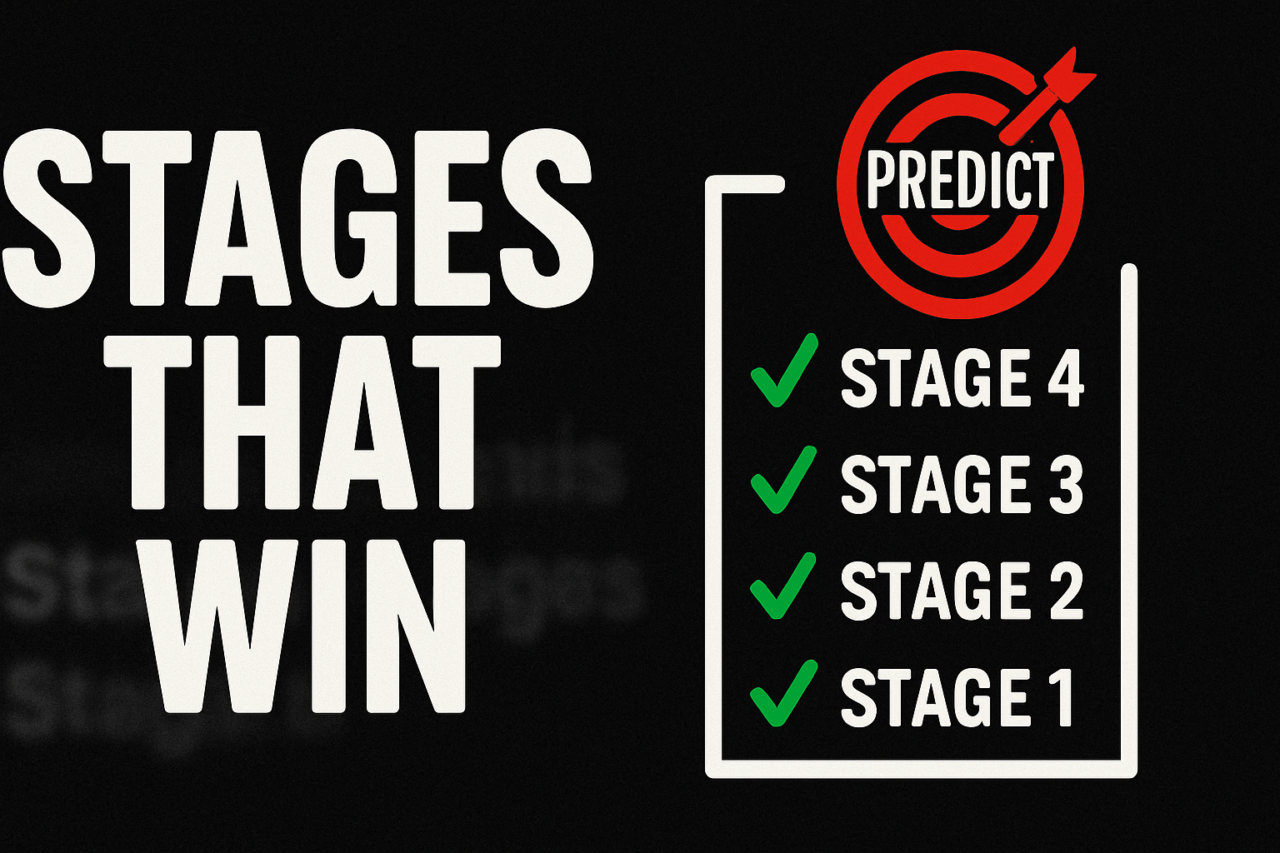
In Sales Ops and Rev Ops, vague stage definitions give forecasting a noisy signal and make coaching fragile. This guide shows how to anchor stages in observable buyer actions, required fields, and exit criteria—then enforce them with CRM validations and automation. The result is clearer forecasts, better coaching, and leadership teams that can trust the data.
What are Sales Stage Definitions That Actually Predict Revenue?
Sales Stage Definitions That Actually Predict Revenue are precise, observably verifiable markers that indicate a deal is advancing toward a win. They are not labels like “in qualification” or “early stage”. They are action-based milestones tied to real buyer behavior and data fields in your CRM. By tying each stage to specific events and required data, you reduce ambiguity and create a forecast that aligns with what sellers and buyers actually do.
Key idea: stages should be anchored to concrete actions and data, then reinforced by CRM rules. This approach improves both forecast accuracy and sales coaching because leaders can point to reproducible, measurable signals rather than opinions. It also supports better RevOps alignment and a transparent forecasting model.
Build definitions from observable buyer actions
The heart of reliable stage definitions is observable buyer actions. Instead of asking sellers to infer intent, specify actions the buyer must take or show in the CRM. Common actions to anchor stages include invitations to meetings, product trials started, budget discussions unlocked, or a formal proposal requested. Each action should be visible in the CRM and linked to a specific field or record status.
Examples of observable actions that move deals forward
- Meeting or call with the decision-maker scheduled or completed
- Product trial started or pilot kickoff
- Budget confirmed or funding source identified
- Demo completed with fit/need adjudicated
- Proposal or quote generated and sent
- Contract reviewed by legal or procurement
- PO or terms negotiation initiated
Assign each action to a stage progression rule in your CRM. For example, a deal can move to the Proposal stage only after proposal sent is checked in the CRM and internal approvals are marked complete. This makes stage progression auditable and reduces misclassification. For more on aligning stages with buyer actions, see our sales stage definitions resource.
Required fields and exit criteria to enforce definitions
Required data fields ensure every stage has the information needed to forecast. Exit criteria prevent deals from lingering in a stage without advancing the buying process. Implement these principles in your CRM:
- Required fields per stage: next steps, probability band, decision-maker identified, budget range, and approved next action date.
- Exit criteria that force movement: once the buyer completes the action and the fields are populated, the deal can advance to the next stage; otherwise, it stays put and triggers a reminder.
- Time-bound checks to surface stalled deals: if a deal remains beyond the expected window, auto-create a task for the owner and a dashboard alert for leadership.
Structuring this way ties forecasting to tangible progress. It also reduces the risk of stage inflation where reps keep deals in early stages to keep totals high. The practical effect is a cleaner pipeline with more reliable conversion data and better coaching signals.
Enforce with CRM validations and automation
Validation rules and automation are the engine that makes stage definitions enforceable. Without them, definitions are paper policies that teams learn to ignore. With validation, the CRM prevents accidental misclassification and automation keeps the process moving.
CRM validations you can implement
- Prevent stage changes unless required fields are filled for the target stage
- Require a linked activity or task to confirm buyer action before moving forward
- Lock certain fields when a deal reaches a specific stage to maintain data integrity
- Enforce that a buyer action is completed within an agreed time window
Automation complements validation. Use rules to assign owners, create follow-up tasks, and update probability and forecast dates automatically when actions are completed. These workflows reduce manual work and create a repeatable process that can scale across teams. Consider linking your automation to a CRM validation rules repository for consistency.
Avoiding stage inflation and improving forecast credibility
Stage inflation occurs when deals stay in early stages to preserve a favorable pipeline count or to appease how leadership wants to see numbers. Clear definitions, mandatory data, and exit criteria make this hard. When reps must fulfill observable actions and data requirements to advance, the pipeline becomes a true reflection of buying activity, not a political artifact. Leaders gain truthful insights into win potential, and coaching conversations become data-driven rather than opinion-based.
A practical example you can apply
Consider a B2B SaaS deal moving from Discovery to Qualified to Proposal to Negotiation to Closed Won. Each stage requires specific actions and fields:
- Discovery — Action: discovery call completed; Fields: needs identified, budget range documented.
- Qualified — Action: stakeholder map created; Fields: decision-maker identified, fit scored.
- Proposal — Action: proposal sent; Fields: pricing approved, terms defined; Exit Criteria: proposal viewed by buyer.
- Negotiation — Action: contract draft negotiated; Fields: legal review completed; Exit Criteria: signed agreement in CRM.
- Closed Won — Action: PO received; Fields: revenue booked and renewal date set.
This structure makes it easy to answer questions like: How many deals move from Discovery to Qualified each month? What is the average time in Proposal before buyer interaction? How does stage-to-stage conversion correlate with final win rate? The answers become reliable and actionable, not anecdotal.
Metrics you can trust with defined stages
When stages are defined by observable actions and enforced by validations, you can measure what matters without noise. Key metrics include:
- Stage-to-stage conversion rate — How many deals advance from one stage to the next?
- Average time in stage — How long does a deal stay in each stage before moving?
- Forecast accuracy — How closely did predicted close dates align with actual closes?
- Early-stage pull-through — Are early-stage actions predictive of a close?
With reliable signals, leaders can place bets on the right segments, adjust coaching, and tune compensation plans to reinforce desirable behavior. For teams that want an end-to-end model, pair stage definitions with a documented forecasting model and a standard set of dashboards.
Visual you can implement
Consider a simple funnel visualization that shows each stage and its conversion rate. This chart helps teams spot where deals drop out and track progress over time. Purpose: quickly surface bottlenecks, validate the impact of new stage definitions, and align field reps, managers, and executives on a single narrative. If you need a quick reference, you can host the visual on an internal dashboard or include it in slide decks for weekly reviews. 
How to start today
Ready to implement? Here’s a practical starter plan:
- Define 4–6 core stages anchored to buyer actions and required data.
- List the exact actions that justify moving from each stage, and assign owners.
- Set up CRM validations that block moves until the actions and fields are completed.
- Implement automation to assign tasks, update probabilities, and alert managers when progress stalls.
- Build a stage-to-stage conversion dashboard and track changes weekly.
As you iterate, compare forecast vs actuals and refine actions and field requirements. Use Sales Ops checklists to keep the process consistent across teams.
Conclusion: take control of your forecast with precise stage definitions
Sales Stage Definitions That Actually Predict Revenue empower teams to forecast with confidence and coach with clarity. By tying each stage to observable buyer actions, enforcing data requirements, and automating progression, you remove ambiguity and produce a trustworthy pipeline. The result is better close rates, faster coaching, and leadership that can trust the numbers. Start with a minimal, repeatable framework, then scale to your entire pipeline.
Next step: Pick a stage or two to redefine first, implement validations, and measure the impact over the next 90 days. If you want more examples and templates, explore our CRM validation rules and RevOps toolkit.